
Screenshots#
Picture and video gallery - This is how DiscoDOS looks like.
Screenshots and animated Gifs#



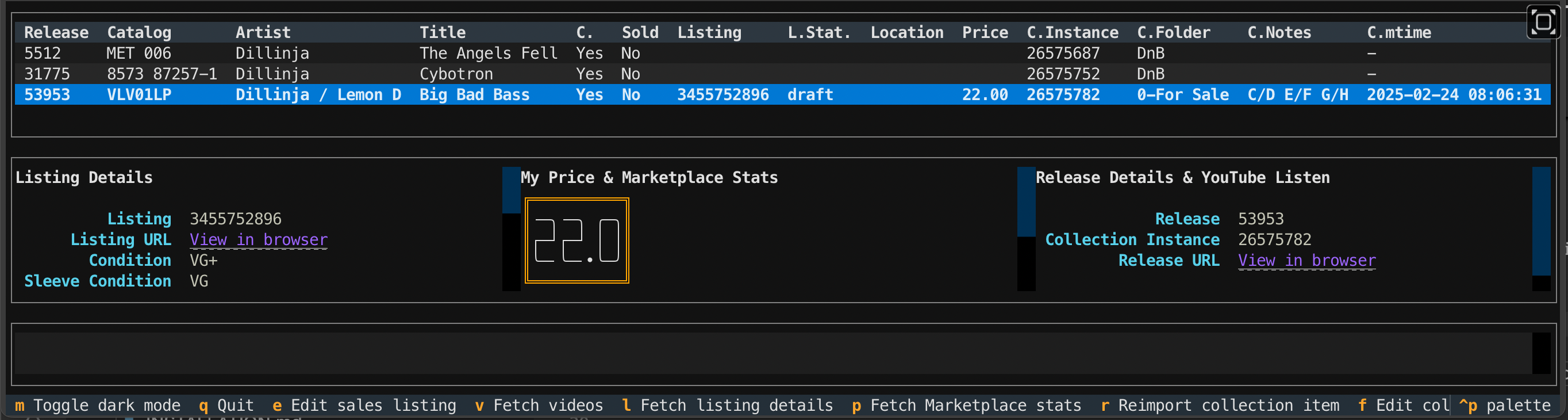
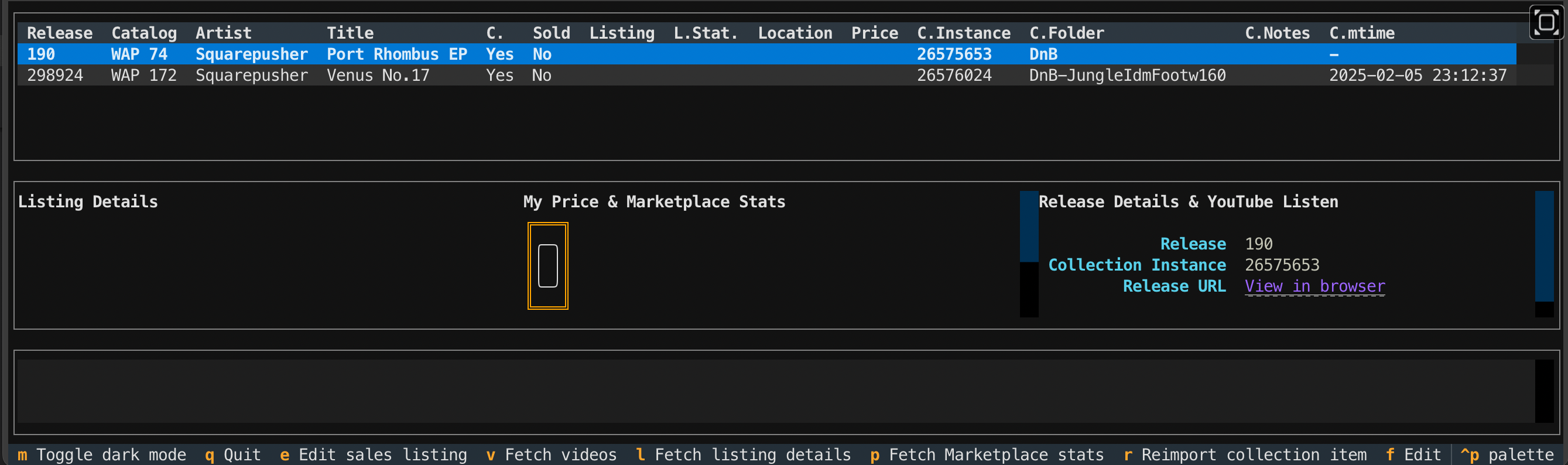

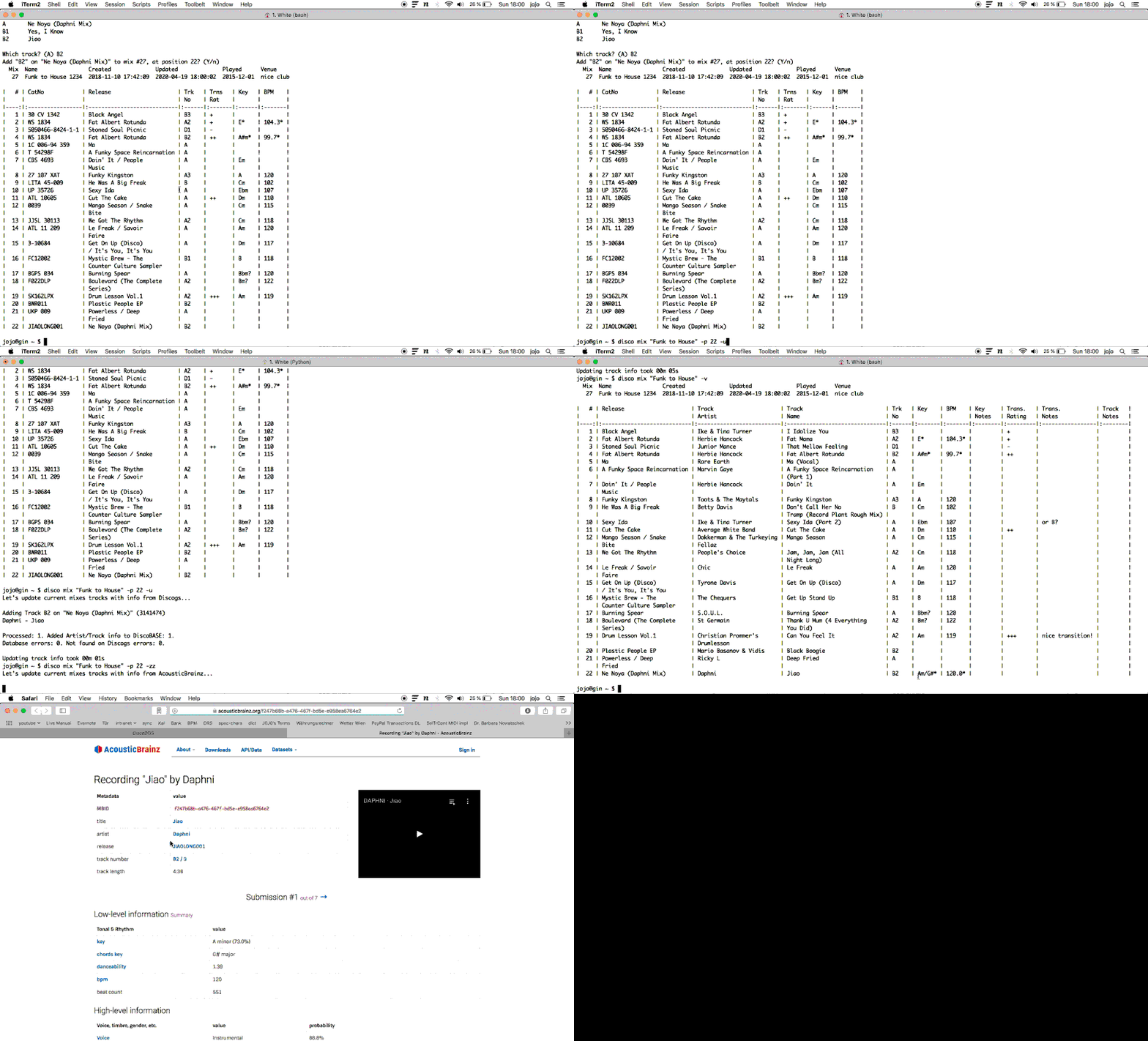
Tip
Replace disco with dsc in the latter two animated Gifs. In DiscoDOS 2.0 the command’s name changed.
Videos#
If you don’t like reading through longish documentation pages just head over to Youtube and learn how to do some basic DiscoDOS tasks:
How to use DiscoDOS #1 - Mixes, Suggestions, Collection, AcousticBrainz
How to use DiscoDOS #2 - Finding key & BPM compatible tracks
How to use DiscoDOS #3 - Fetch key & BPM from AcousticBrainz
Tip
Replace disco with dsc in these videos. In DiscoDOS 2.0 the command’s name changed.